C613-50100-01 REV C Command Reference for x930 Series 469
AlliedWare Plus™ Operating System - Version 5.4.6-1.x
SWITCHING COMMANDS
MAC
ADDRESS-TABLE STATIC
mac address-table static
Overview Use this command to statically configure the MAC address-table to forward or
discard frames with a matching destination MAC address.
Syntax
mac address-table static <mac-addr> {forward|discard} interface
<port> [vlan <vid>]
no mac address-table static <mac-addr> {forward|discard}
interface <port> [vlan <vid>]
Mode Global Configuration
Usage The mac address-table static command is only applicable to Layer 2 switched
traffic within a single VLAN. Do not apply the mac address-table static command
to Layer 3 switched traffic passing from one VLAN to another VLAN. Frames will not
be discarded across VLANs because packets are routed across VLANs. This
command only works on Layer 2 traffic.
Example
awplus# configure terminal
awplus(config)# mac address-table static 2222.2222.2222 forward
interface port1.0.4 vlan 3
Related
Commands
clear mac address-table static
show mac address-table
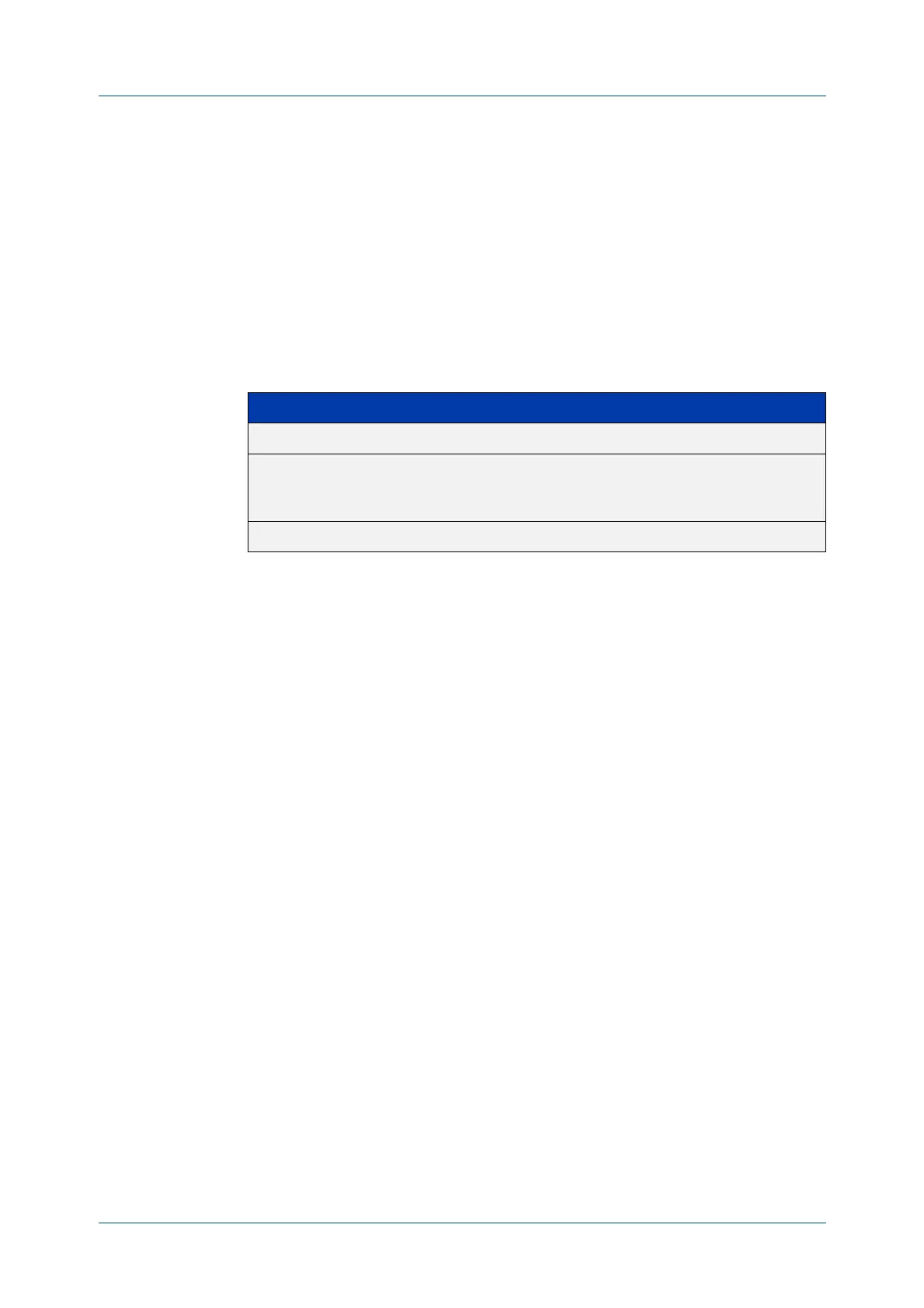
Parameter Description
<mac-addr> The destination MAC address in HHHH.HHHH.HHHH format.
<port> The port to display information about. The port may be a switch port
(e.g. port1.0.4), a static channel group (e.g. sa2), or a dynamic
(LACP) channel group (e.g. po2).
<vid> The VLAN ID. If you do not specify a VLAN, its value defaults to vlan 1.












 To Next Page