C613-50100-01 REV C Command Reference for x930 Series 1548
AlliedWare Plus™ Operating System - Version 5.4.6-1.x
VRF LITE COMMANDS
SHOW
IP BGP COMMUNITY-LIST (BGP ONLY)
show ip bgp community-list (BGP only)
Overview Use this command to display routes that match the given community-list from a
BGP instance within an IPv4 environment. Use the show bgp ipv6 community-list
(BGP4+ only) command within an IPv6 environment.
For information on filtering and saving command output, see the “Getting Started
with AlliedWare Plus” Feature Overview and Configuration Guide.
Syntax
show ip bgp community-list <listname> [exact-match]
Syntax [VRF] show ip bgp [global|vrf <vrf-name>] community-list <listname>
[exact-match]
Mode User Exec and Privileged Exec
Example
awplus# show ip bgp community-list mylist exact-match
awplus# show ip bgp vrf red community-list myCommunity
awplus# show ip bgp global community-list myExactCommunity
exact-match
Related
Commands
show bgp ipv6 community-list (BGP4+ only)
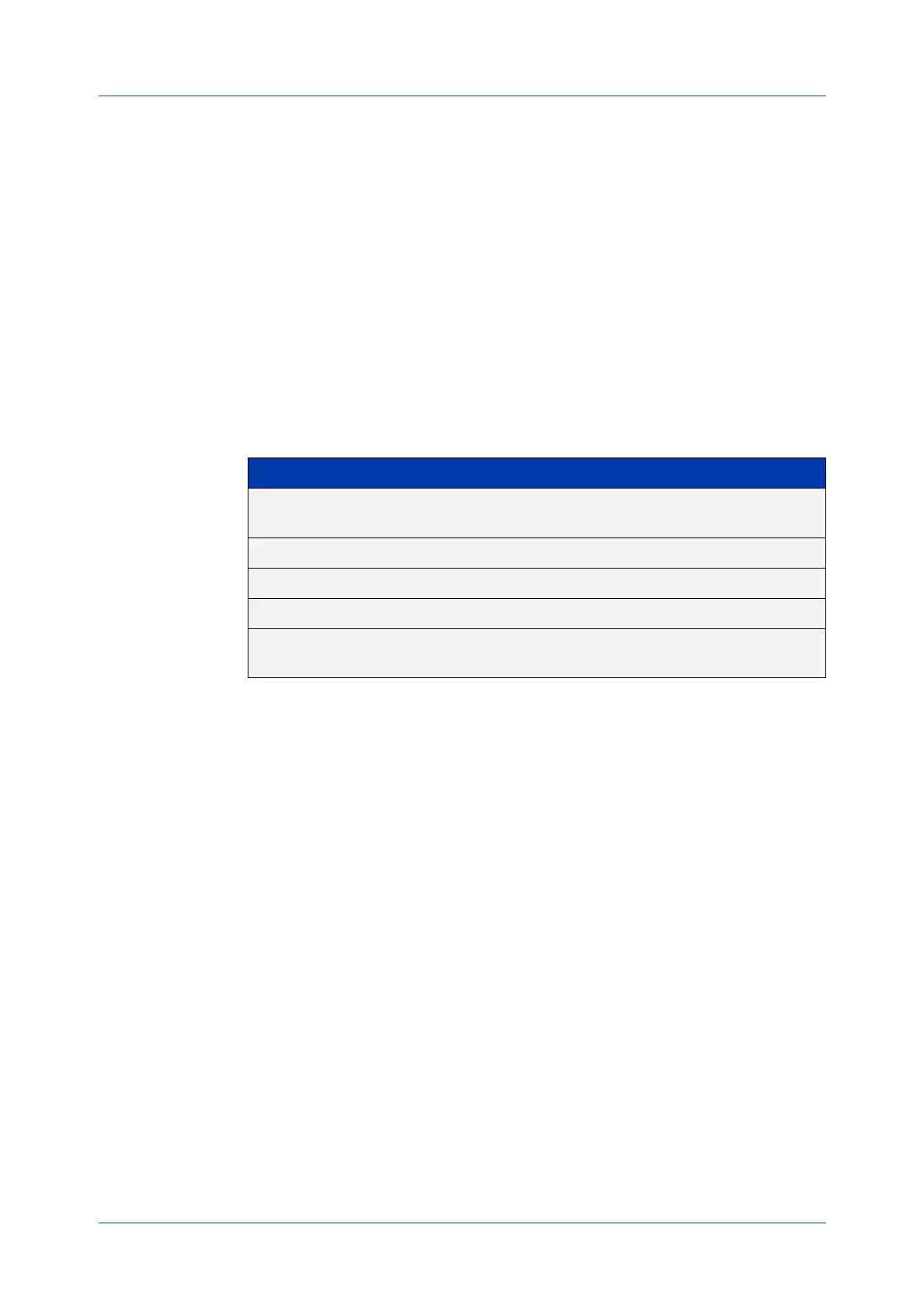
Parameter Description
global When VRF lite is configured, apply the command to the global
routing and forwarding table.
vrf Apply the command to the specified VRF instance.
<vrf-name> The name of the VRF instance.
<listname> Specifies the community list name.
exact-match Displays only routes that have exactly the same specified
communities.











 To Next Page