Chapter 6: System Control Module (SCM)
STANDARD Revision 1.0 C4® CMTS Release 8.3 User Guide
© 2016 ARRIS Enterprises LLC. All Rights Reserved. 173
4. Slide the PIC all the way into the slot, pressing firmly with equal pressure top and bottom to align the module with the
midplane connector
5. Flip the ejector levers toward each other to close and lock the module in the slot. The module will click into place if it is
seated correctly. Repeat Steps 2-5 if it does not.
Connecting the Operator (System) Console
This section gives a detailed description of the cabling for the operator console. The operator console is necessary to
initially power up and configure the CMTS. Use an asynchronous terminal or a PC with asynchronous terminal emulation
software.
The front panel connector on the SCM (in slot 19) is designed to connect directly to a host device with the supplied cable
and adapter. Do not attach the console to any other network interface.
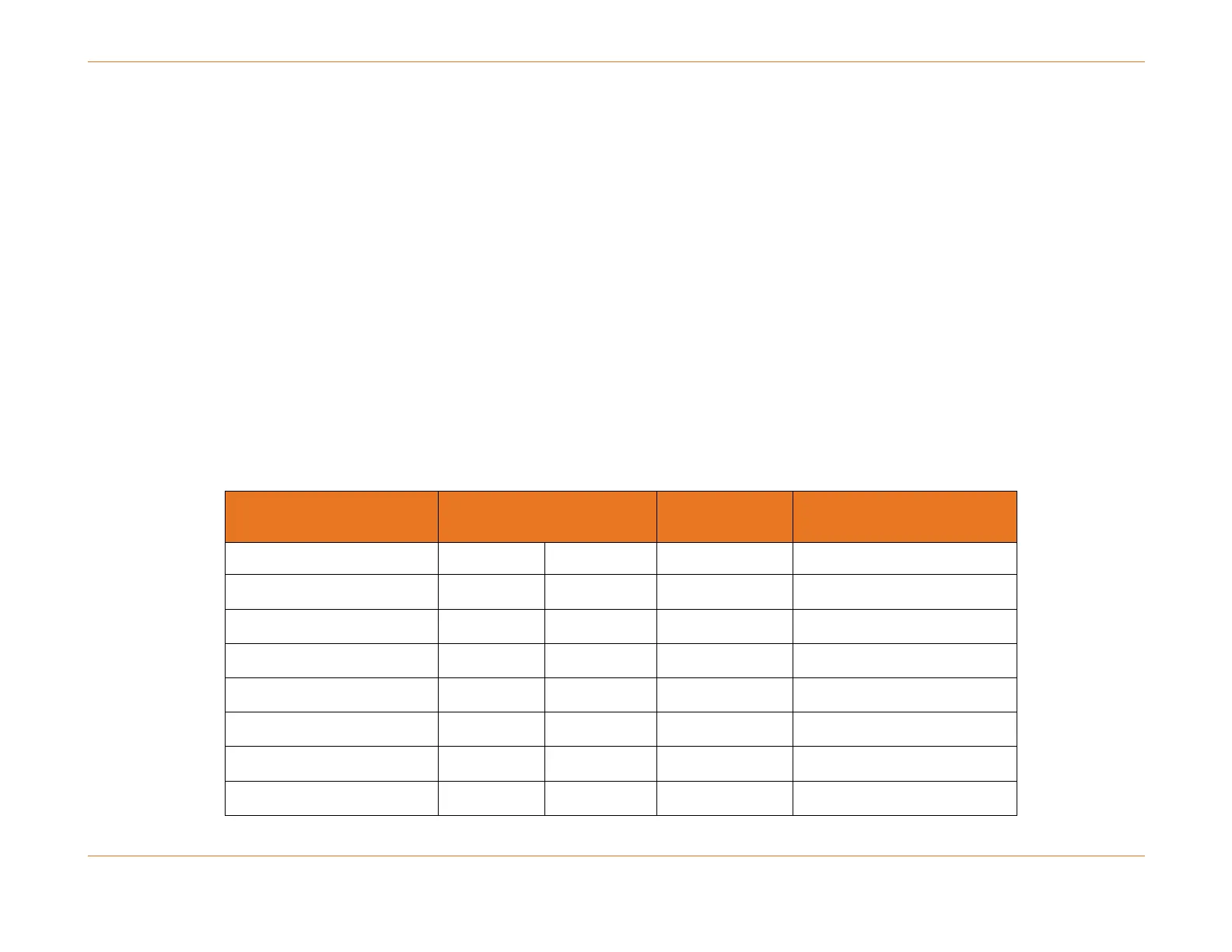
The pinouts for the asynchronous serial console port, the RJ-45–to–RJ-45 Serial Cable, and the RJ-45–to–DB-9 female DTE
adapter is shown in below as follows:
Table 18. Cabling and Console Port Signaling Using a DB-9 Adapter
RJ-45–to–RJ-45 Serial Cable
a
RJ-45–to–DB-9
Terminal Adapter
DTR (Data Terminal Ready)
DTR (Data Terminal Ready)



 To Next Page