Chapter 6: System Control Module (SCM)
STANDARD Revision 1.0 C4® CMTS Release 8.3 User Guide
© 2016 ARRIS Enterprises LLC. All Rights Reserved. 184
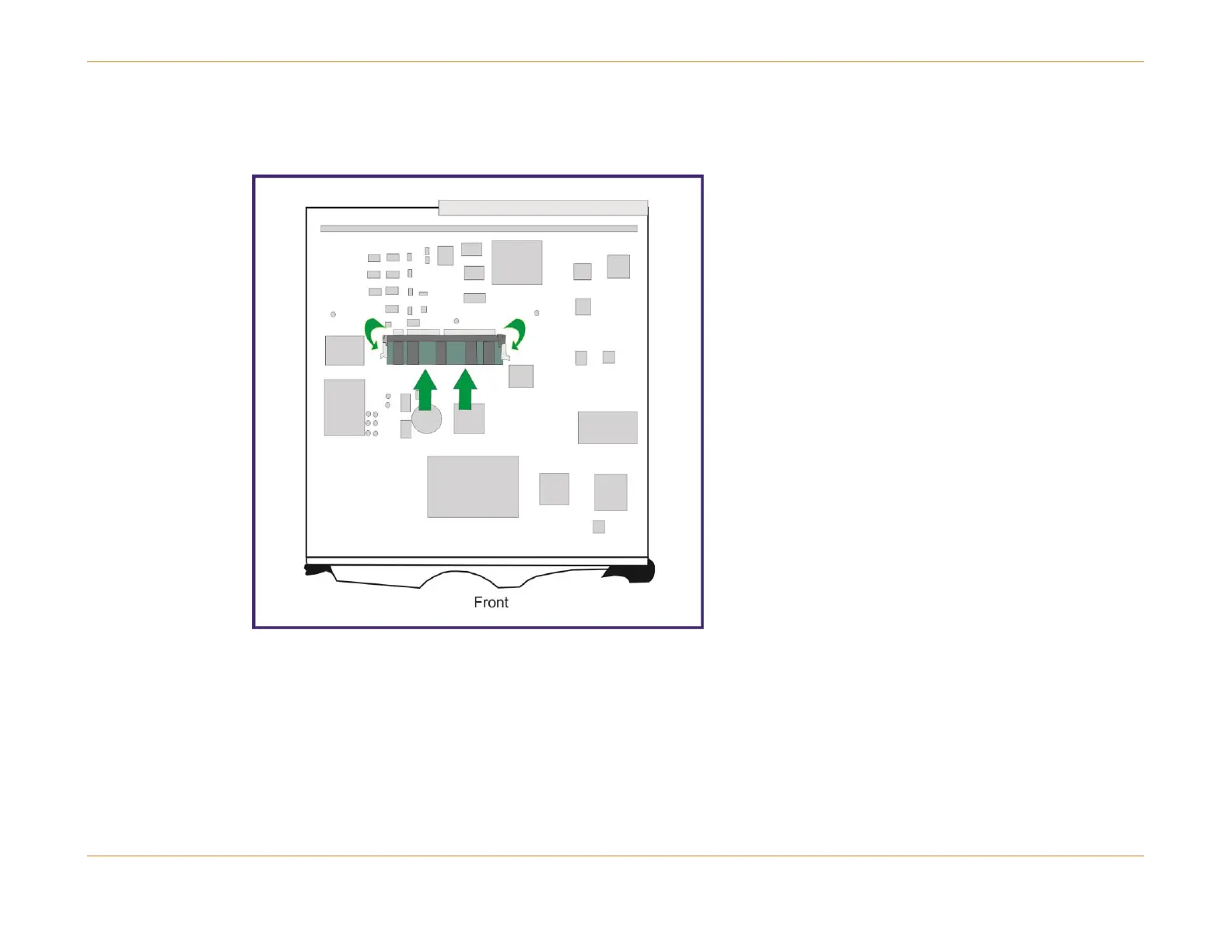
your thumbs. See next figure. Slide the DIMM into the connector until the latches at both ends snap into the locking
notches on the DIMM module.
Figure 48: Replacing the DIMM Module



 To Next Page