Chapter 31: Load Balancing
STANDARD Revision 1.0 C4® CMTS Release 8.3 User Guide
© 2016 ARRIS Enterprises LLC. All Rights Reserved. 909
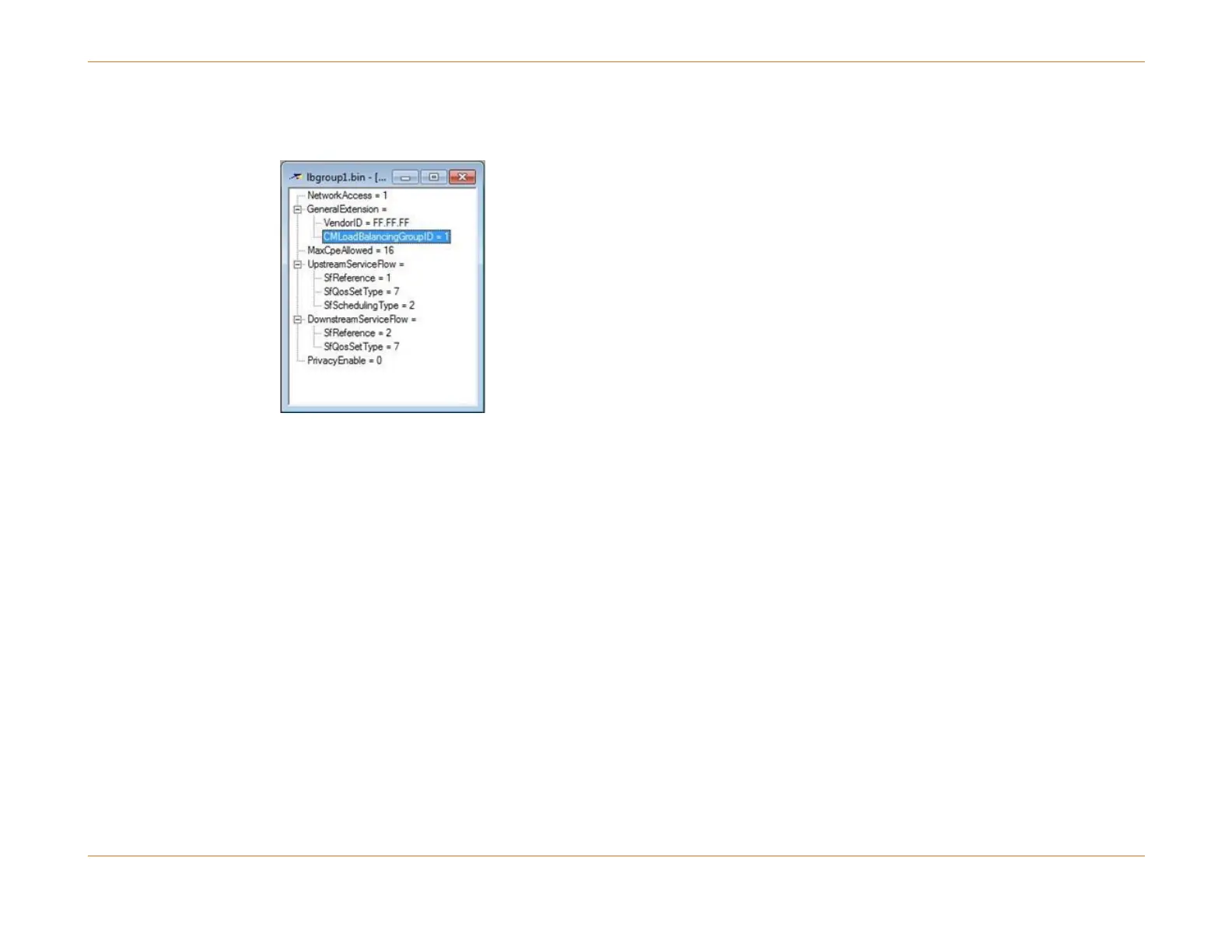
1. Specify the RLBG group number in TLV 43.3 of the CM's configuration file as shown in the figure below. (Notice that
this view is from the Arris PacketACE tool.)
2. Specify the CM's RLBG group number via CLI:
configure cable load-balance include cm-mac <MAC> mac-mask ffff.ffff.ffff group 100
3. Associate a service type with an RLBG and specify that service type in TLV 43.11 of the CM's configuration file (as
shown in the figure in Step 3 of Example of Service-type Modem Steering Configuration (page 910)).
4. Associate a service type with an RLBG and specify that service type for the CM using the CLI command.
Service-type Modem Steering
Service-type modem steering is designed to steer modems to specific interfaces, specifically those that are part of a
Restricted Load Balancing Group (RLBG). A service-type ID refers to a type of cable data service. The operator assigns a
particular service-type ID to the modems to be steered and to the RLBG containing the specific interfaces to which he/she
wants those modems assigned. The modems are steered immediately after modem registration. DCC is used to move the
modem to channels of the RLBG.
The desired service-type ID is assigned to a modem either by associating its MAC address or its Organization Unique
Identifier (OUI) with a particular service-type ID. Another way is by adding a Type-Length-Value (TLV) representing the
service type to the modem’s config file. If there is a match between the service-type ID of the restricted load balancing
group and the service-type ID defined in the modem’s config file or associated with its MAC address or OUI, then the C4/c



 To Next Page