C613-50631-01 Rev A Command Reference for IE340 Series 2168
AlliedWare Plus™ Operating System - Version 5.5.3-0.x
QOS COMMANDS
STRICT
-PRIORITY-QUEUE EGRESS-RATE-LIMIT QUEUES
strict-priority-queue egress-rate-limit
queues
Overview Sets a limit on the amount of traffic that can be transmitted per second from these
queues. The default unit is in Kb, but Mb or Gb can also be specified. The minimum
is 651 Kb.
This limit applies to WRR queues too. Setting the limit with this command is the
same as setting it with wrr-queue egress-rate-limit queues.
Syntax
strict-priority-queue egress-rate-limit <bandwidth> queues
[0][1][2][3][4][5][6][7]
no strict-priority-queue egress-rate-limit <bandwidth> queues
[0][1][2][3][4][5][6][7]
Mode Interface Configuration
Example To limit the egress rate of queues 0, 1 and 2 on port1.0.1, use the commands:
awplus# configure terminal
awplus(config)# interface port1.0.1
awplus(config-if)# strict-priority-queue egress-rate-limit
500M queues 0 1 2
Related
commands
show mls qos interface
wrr-queue egress-rate-limit queues
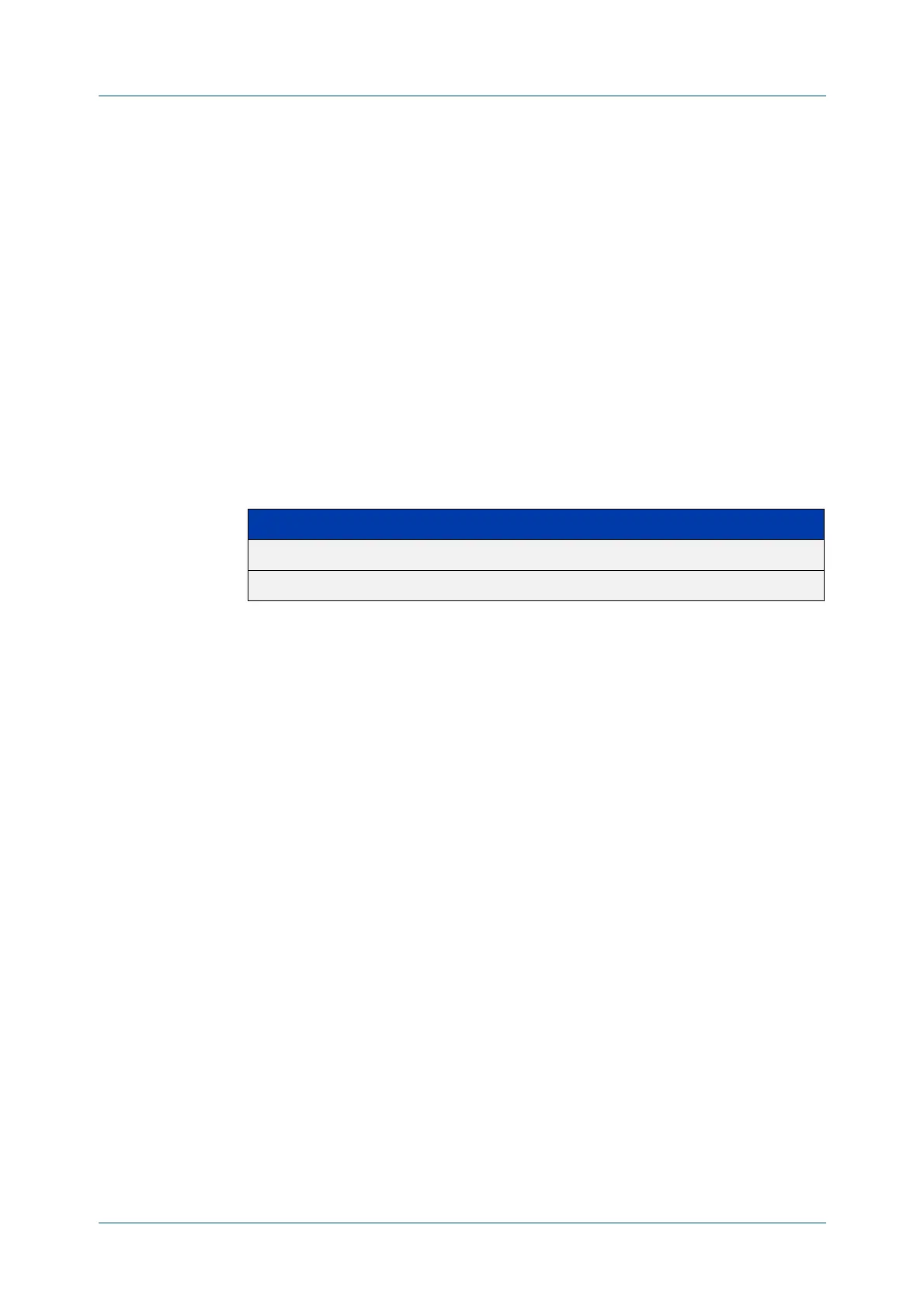
Parameter Description
<bandwidth> Bandwidth <1-100000000 kbits> (usable units: k, m, g).
[0][2]...[7] Selects one or more queues numbered 0 to 7.



 To Next Page
 Loading...











